Halo PRO

Everything, switched on.

PRO turns a screen full of tiles into a home that works together — synced across every device, aware of your automations, and tuned to the hardware you love.

$19.99 — once. iPhone, iPad & Mac, one Apple ID.

iPadPRO ONLY

Halo for iPad is a PRO exclusive.

Halo on iPad is unlocked by Halo PRO. Download it free from the App Store, and your PRO purchase opens the full iPad experience — your dashboards and tiles, laid out for the larger screen.
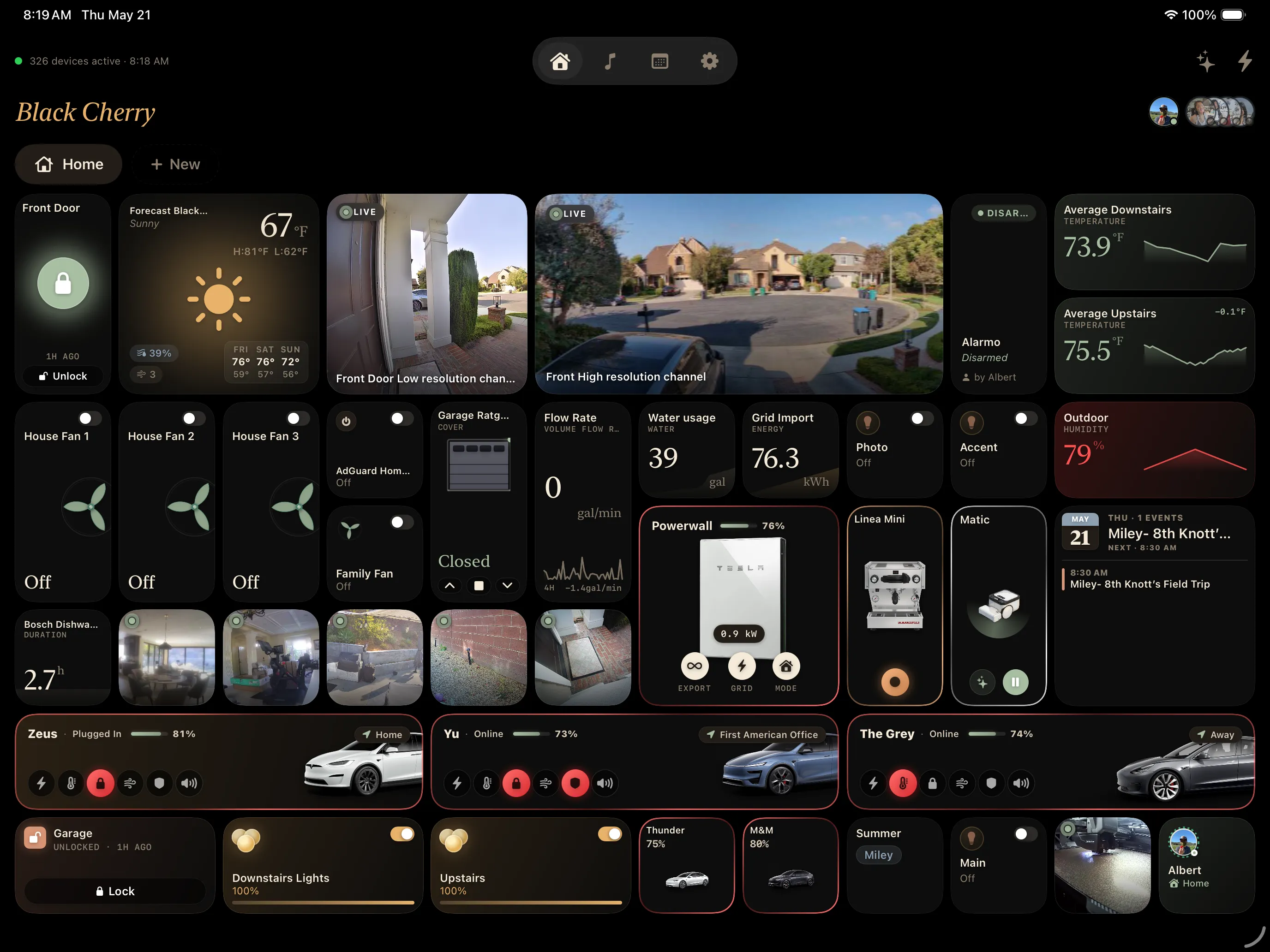
  • The complete Halo dashboard, tuned for iPad
  • Included with Halo PRO — no separate purchase
  • Unlocks automatically once you own PRO on any device, same Apple ID
The Halo dashboard running on iPad
Wall display

Made to live on the wall.

Mount an iPad in the kitchen or hallway and Halo keeps it healthy. The dashboard fades to a soft dim when nobody's around, the picture gently shifts every few minutes so static chrome never sits in one place, and the screen comes back to full brightness the moment a motion sensor sees you.

  • Auto-dim after a chosen idle — anywhere from 30 seconds to 15 minutes
  • Pixel jitter shifts the UI ±3 pt to prevent OLED burn-in on always-on tiles
  • Wake on motion — point Halo at any Home Assistant motion or presence sensor

iPad with Halo PRO. Active while Keep iPad awake is on.

Screen care
For an iPad mounted on the wall
Active
Auto-dim when idle A soft overlay fades in. Tap anywhere to wake. After 2 min
Pixel jitter Shifts the UI ±3 pt so static tiles never burn in. Always on
Wake on motion Any HA presence sensor brings it back to full brightness. Front Door
Unlimited Views

A view for every room — as many as you want.

The free version gives you three dashboard views. Halo PRO lifts the cap entirely — build a view per room, per routine, per person, and switch between them with a tap. Each one keeps its own tiles and layout.

  • Unlimited dashboard views — the free version includes three
  • Organize by room, routine, or family member
  • Every view keeps its own tiles, sizing, and layout
Views
A dashboard per room, routine, or person
  • Home 14 tiles
  • Living Room 9 tiles
  • Primary Bedroom 6 tiles
  • Free plan — 3 views
  • Kitchen 8 tiles
  • Backyard 5 tiles
  • Garage 4 tiles
  • New view Unlimited with PRO
iCloud Sync

Build it once. It's everywhere.

Lay out your dashboard on the Mac and it's already on your iPhone. Move a tile on iPad and the change lands on every screen. Halo PRO syncs your views, tiles, and settings through your own private iCloud — no account, no server in the middle.

  • Every view, tile, and setting synced across iPhone, iPad, and Mac
  • The Mac's freeform grid maps automatically to the iOS small / medium / large grid
  • An offline cache keeps tiles rendering even when Home Assistant is unreachable
  • Synced through your private iCloud — it never touches our servers
iCloud Sync
Every view and tile, mirrored across your devices
Devices
Mac 3 views
Home 9 tiles
Living Room 6 tiles
Outdoor 5 tiles
iPhone 2 views
Bedroom 4 tiles
Garage 3 tiles
iPad 2 views
Dashboard 14 tiles
Kitchen 8 tiles
Smart HubALPHA

Your home, one step ahead.

Smart Hub brings your whole home into one view — an at-a-glance status grid, your Home Assistant automations, and alerts when something needs you.

  • A status grid at a glance — lights on, doors and windows open, locks secured
  • Surface and run your Home Assistant automations from inside Halo
  • Rule suggestions based on how your home actually behaves
  • Alerts and a notification center for the things that matter

Smart Hub is in active alpha — it's evolving fast, and improvements ship often.

Smart Hub
2 active alerts · 1 suggestion
Household
3
Lights
3 on · 11 total
1
Doors
1 open · 4 total
2
Windows
2 open · 9 total
1
Locks
1 unlocked · 4 total
0
Garages
All closed
0
Leaks
None active
Right now
Garage door — left open Triggered 9:04 PM · 12 min ago
Close it Snooze Dismiss
Suggested
Pattern detected Turn off the porch light at sunrise — you do this most mornings.
Add rule Customize
Music Assistant

Whole-home audio, in the same app.

Control playback right beside your lights and locks — your library, your playlists, every speaker in the house.

Playlist management

Browse, queue, and reorder — your whole library, organized.

Evening Mix24 tracks · 1 hr 48 min
  • Midnight CityM83
  • InnerbloomRÜFÜS DU SOL
  • Open Eye SignalJon Hopkins
  • Sunset LoverPetit Biscuit

Now playing

Full transport control, from any screen.

Midnight City M83 SPOTIFY · LIVING ROOM
1:424:03

Play on any speaker

One room, or several grouped together.

Speakers
Kitchen Living Room Office Bedroom
Grouped — playing in 2 rooms

Search the library

Find any track, artist, album, or playlist in seconds.

rufus All providers
  • Evening Mix Playlist24 tracks
  • RÜFÜS DU SOL SpotifyArtist
  • Solace TidalODESZA · 2018

Requires the Music Assistant add-on or a standalone Music Assistant server.

Premium Devices

The devices you love, beautifully done.

Halo recognizes premium hardware and gives it a custom Extra-Large tile — the real product, live readouts, and the controls that matter.


La Marzocco Linea Mini espresso machine
Espresso · Kitchen
Linea Mini
Boiler 200°F
Machine Steam
Ready
Tesla Model 3
Vehicle · Driveway
Model 3
Range 264 mi
Climate Locked
Charging
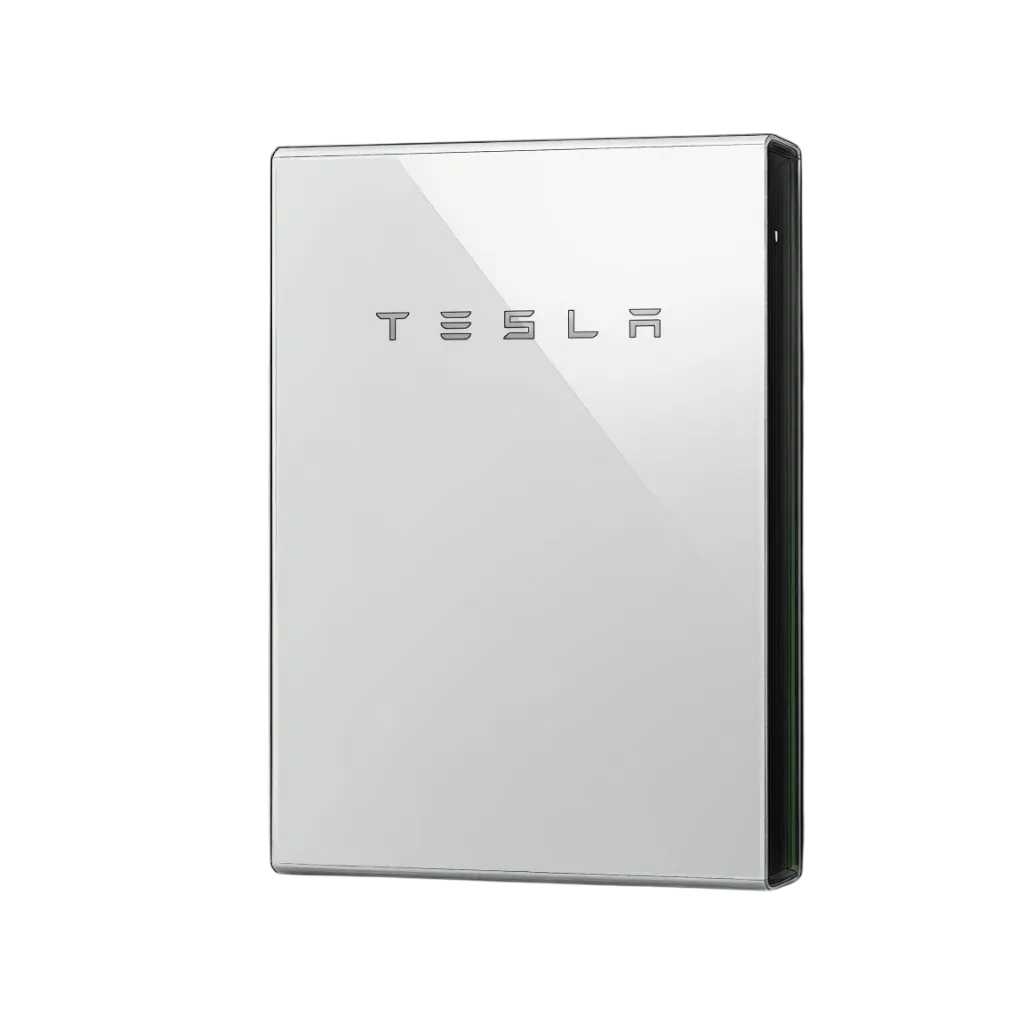
Tesla Powerwall
Battery · Garage
Powerwall
Stored 11.4 kWh
Backup Grid charge
2.1 kW
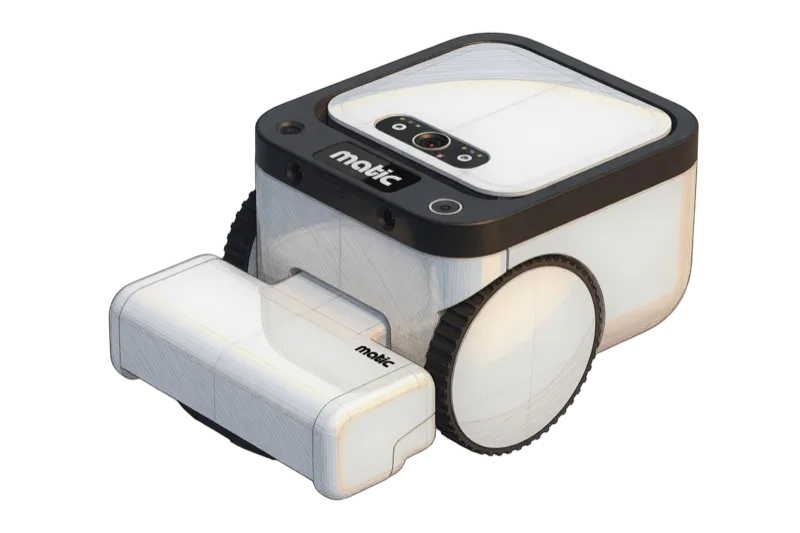
Matic robot vacuum
Robot Vacuum · Downstairs
Matic
Battery 100%
Clean Return
Docked
In the works
Bambu Lab 3D printers Soon
BedJet Bed climate Soon

Premium tiles cover the devices I personally own and use — so the lineup grows as mine does. Got something you'd love to see supported? Email me and I'll take a look.

One purchase. No subscription.

$19.99, once. Halo PRO unlocks on iPhone, iPad, and Mac whenever you're signed into the same Apple ID — and it's always restorable. The free version stays fully usable: build dashboards, every tile type, and Demo Mode.

See the full Free vs PRO comparison →