Every entity type
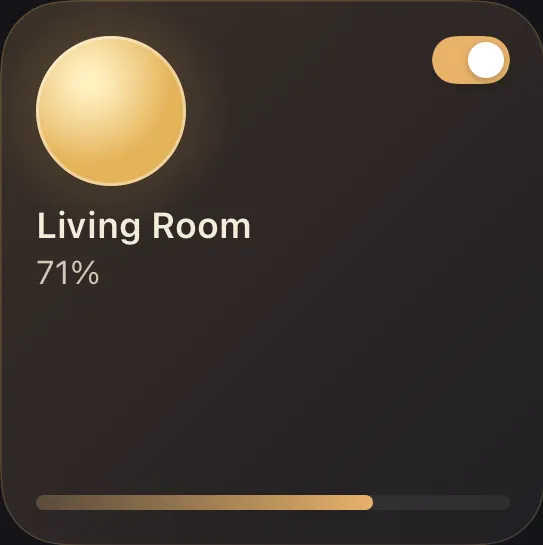
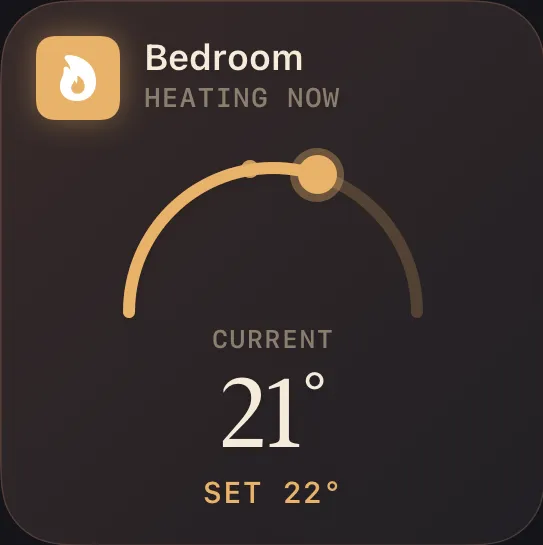
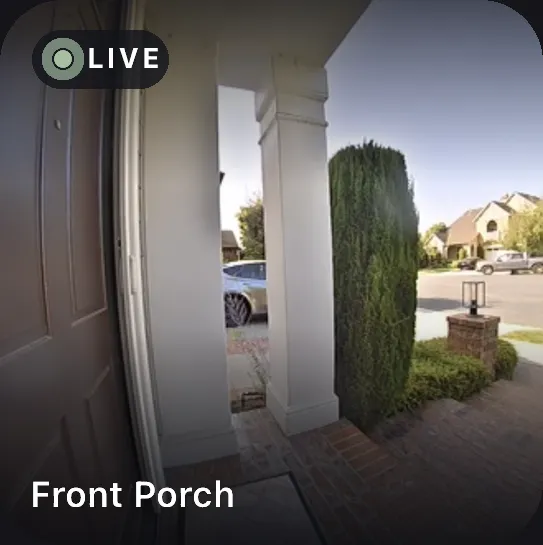
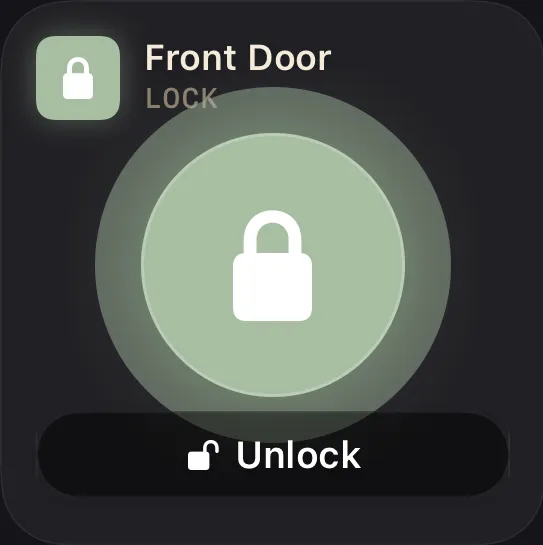
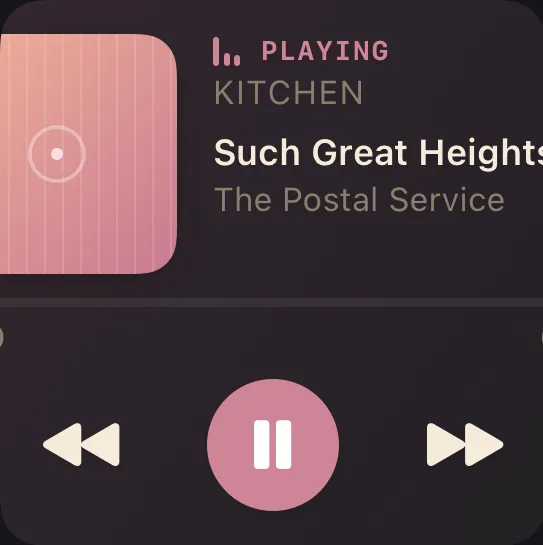
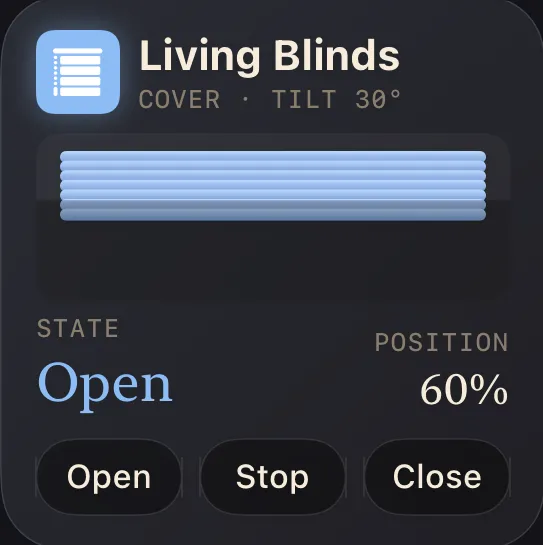
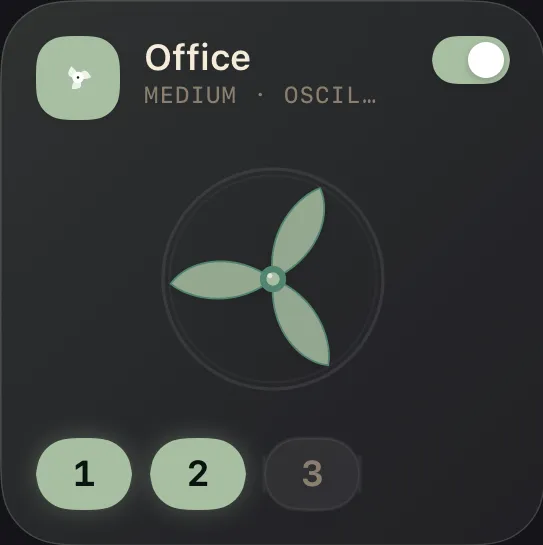
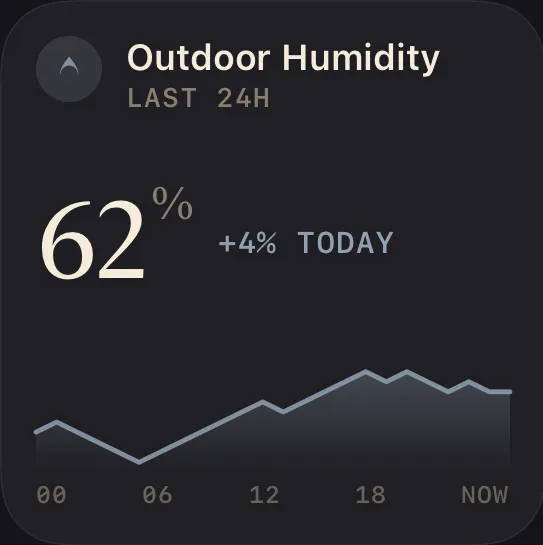
Lights, locks, climate, cameras, covers, fans, sensors — every Home Assistant domain renders as its own purpose-built tile.
Halo turns your Home Assistant into a dashboard that feels native on iPhone, iPad, and Mac.
iPhone & iPad on the App Store · Mac in open beta
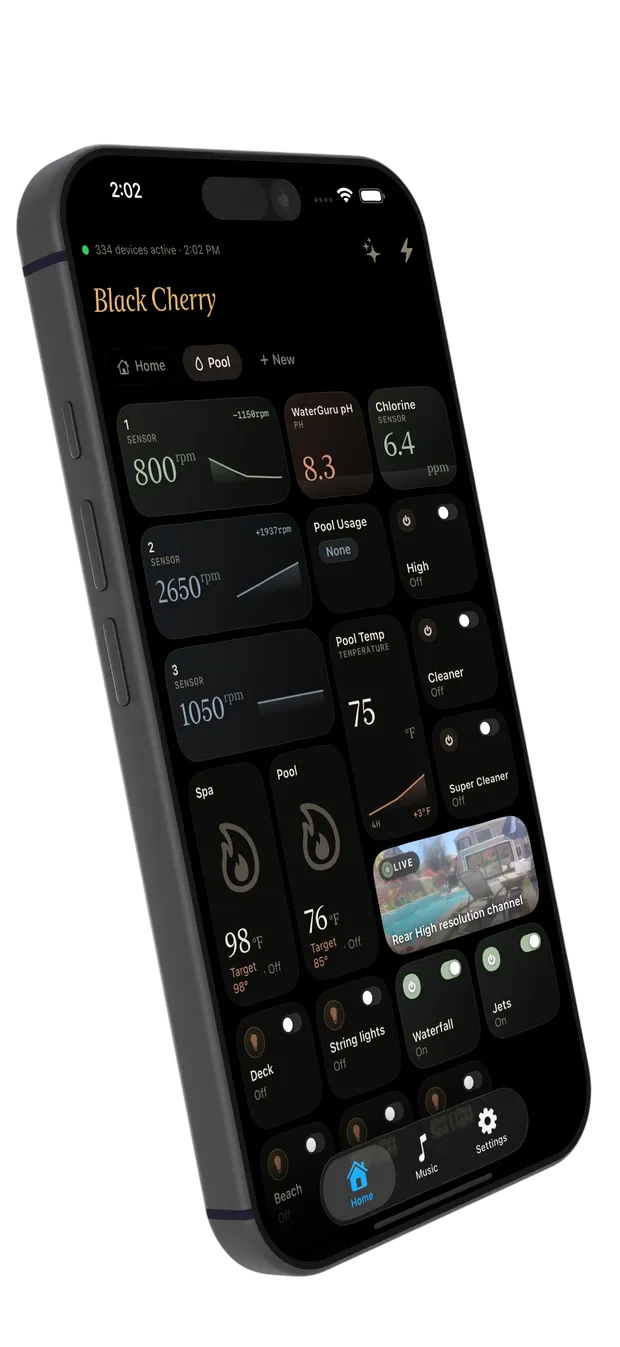
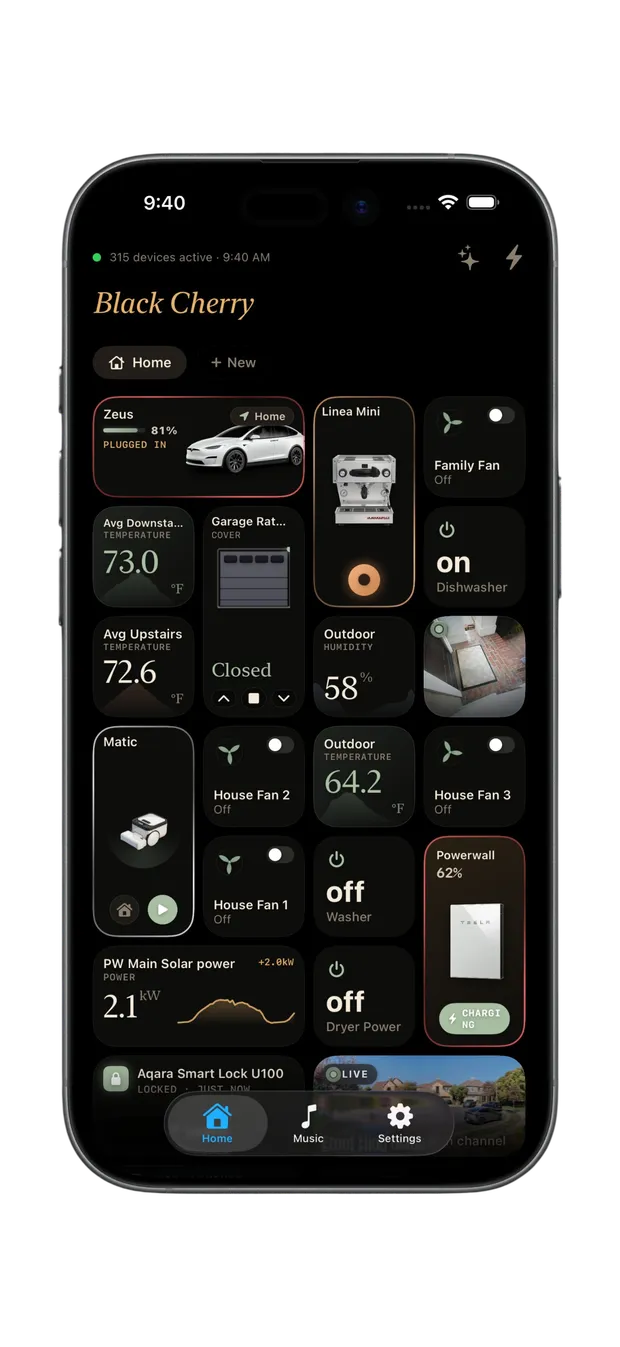
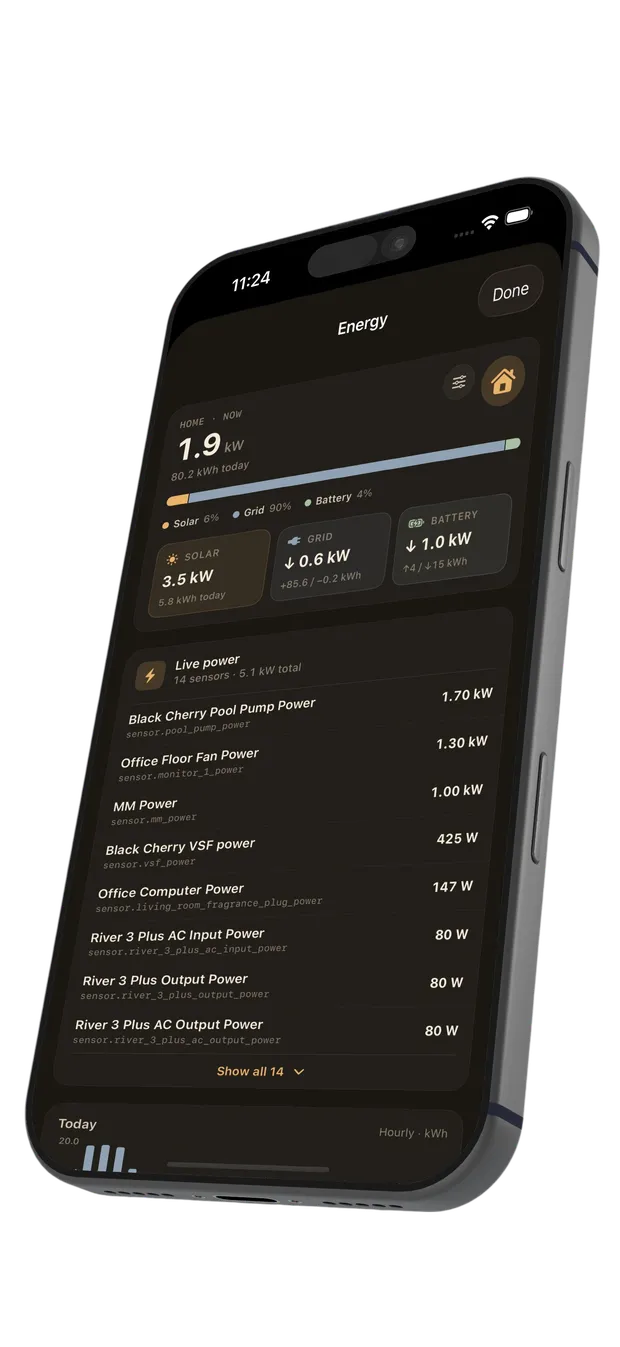
The same Halo, on your Mac, iPad, and iPhone.
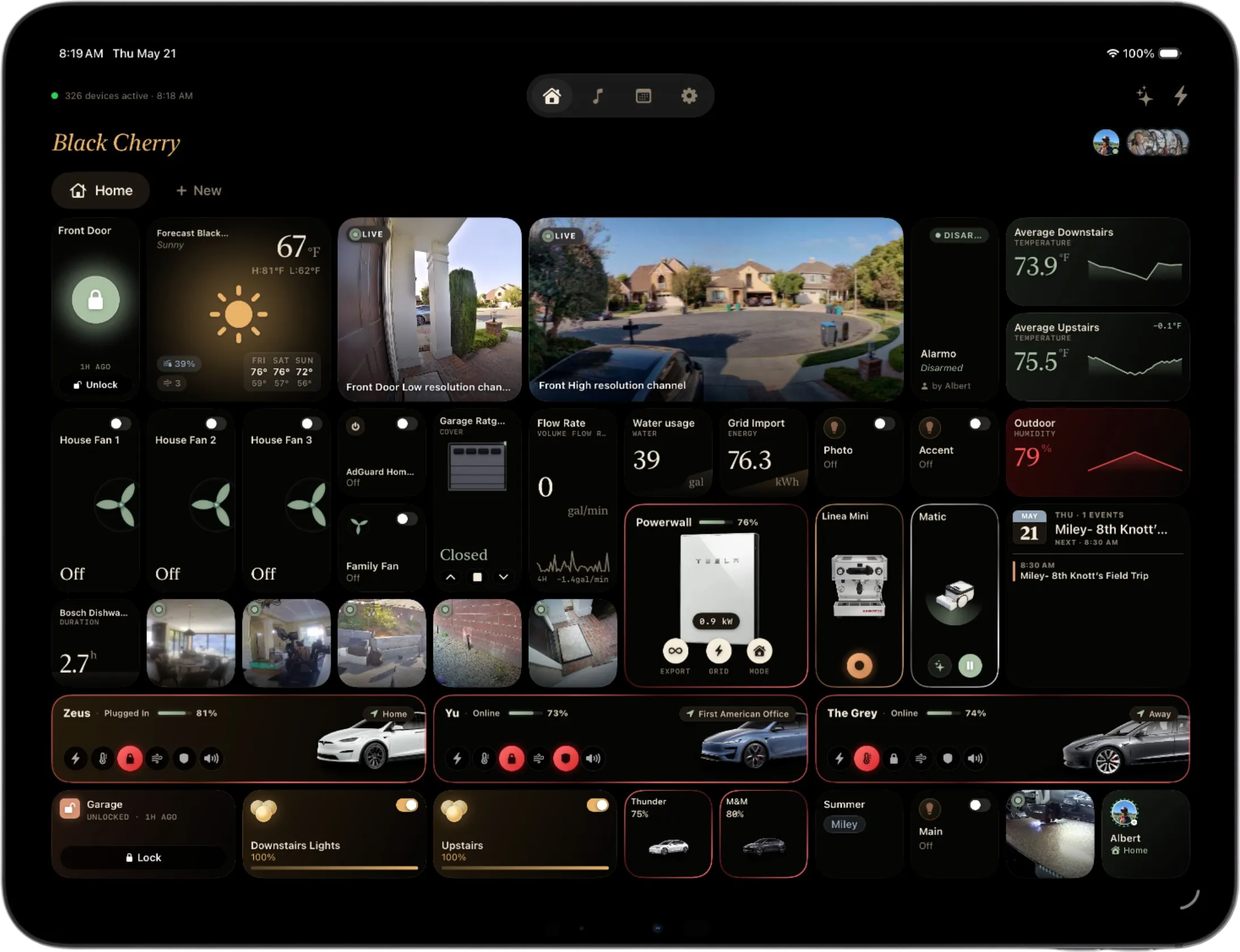
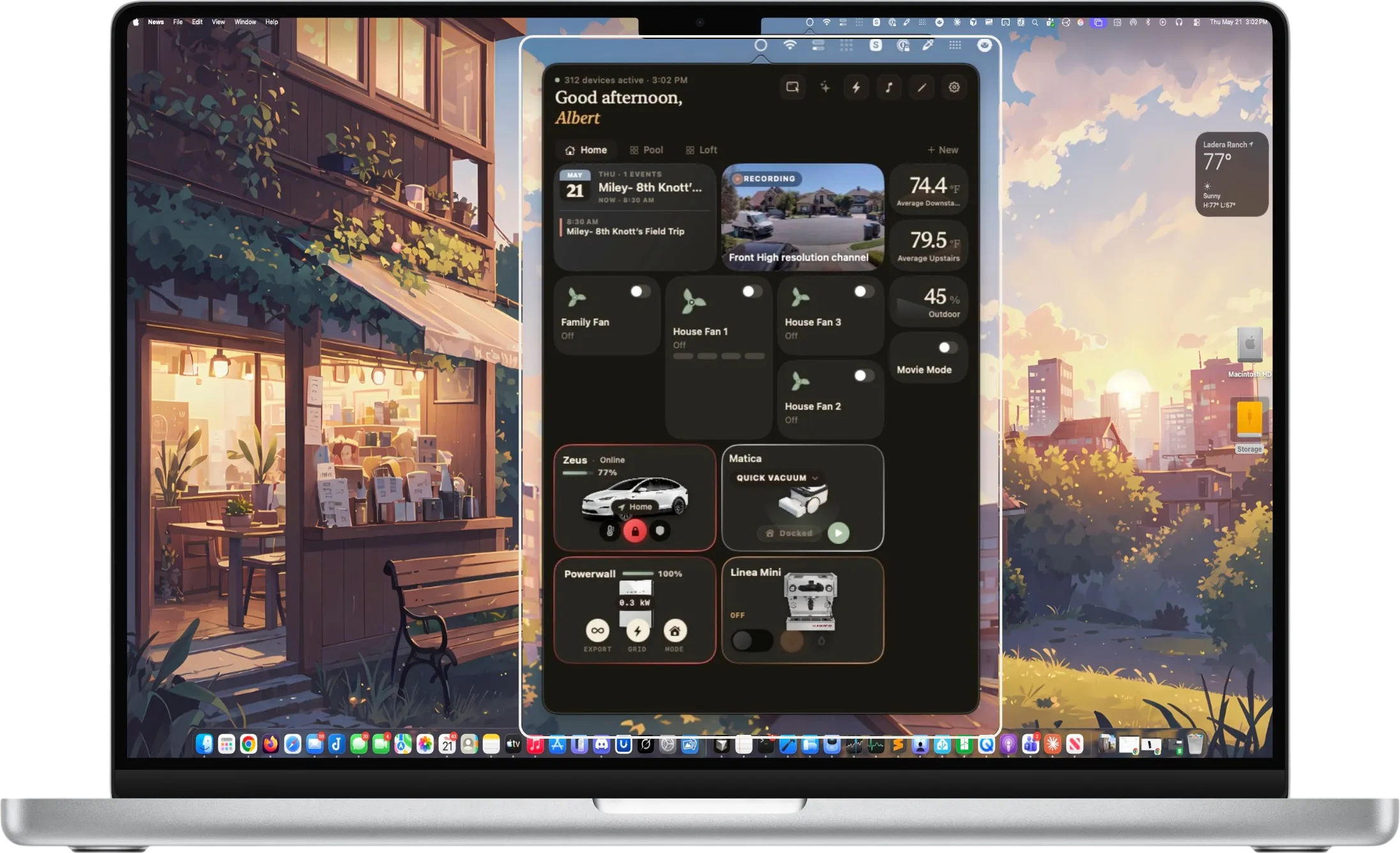
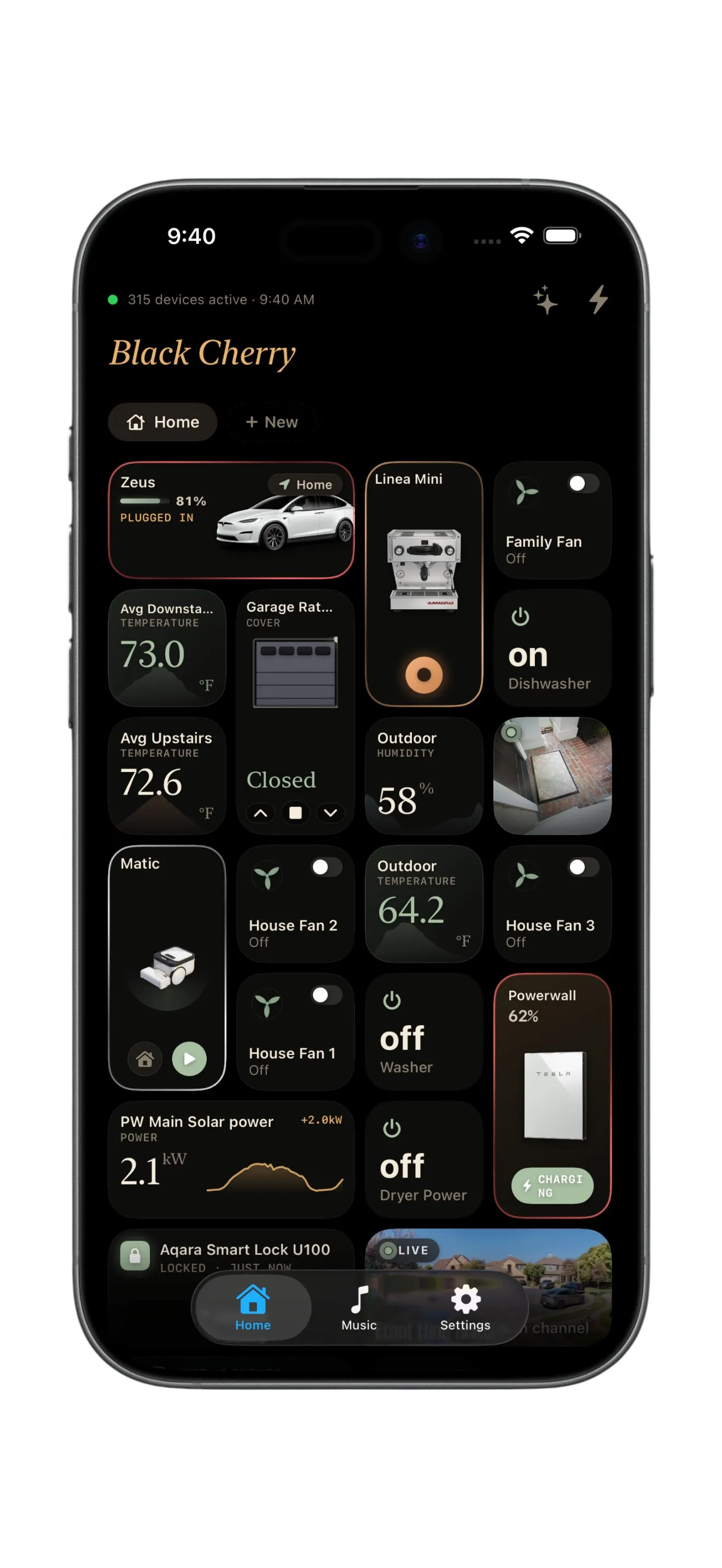
Every device in your home becomes a tile you can size, control, and arrange — a dashboard that works the way you picture your home.
Lights, locks, climate, cameras, covers, fans, sensors — every Home Assistant domain renders as its own purpose-built tile.
One tile, two faces — it surfaces what matters, depending on what the device is doing.
Bundle several lights into one tile. A tap toggles them all; brightness averages the room.
Toggle and slide without leaving the dashboard — or tap in for the full, domain-aware drawer.
Small, medium, or large — give the things you check most the room they deserve.
Drop into edit mode and every tile lifts — drag it exactly where you picture it.
Color any sensor tile by its reading — Halo paints it as values cross the thresholds you set.
Halo has no backend and no account. It talks straight to your Home Assistant and syncs through your own iCloud — no third-party analytics, no ad SDKs, nothing phoning home.
I've been hooked on IoT and home automation for as long as I can remember — and running Home Assistant for over eight years. It quietly powers everything in my house.
But the app side never kept up. I tried every shared community dashboard and theme I could find, and none of them ever quite landed — too fiddly to set up, too rigid to make my own, or just not something I enjoyed opening every day.
So I built the one I always wanted: Home Assistant, with a dashboard that's genuinely easy to use and shape into yours. That's Halo.
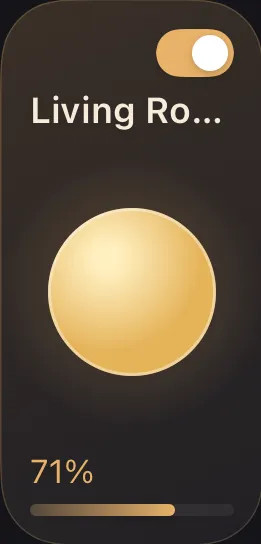
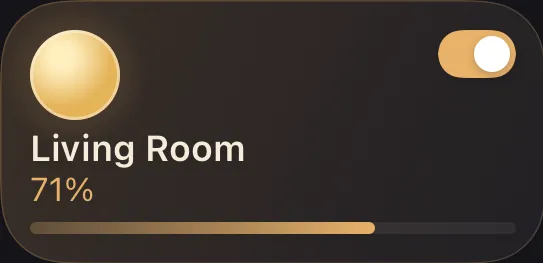
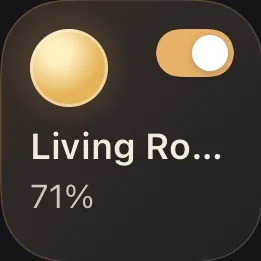
Brightness, color, color temperature
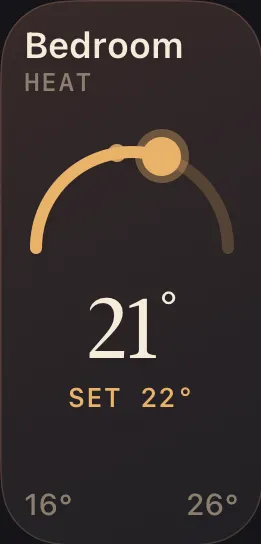
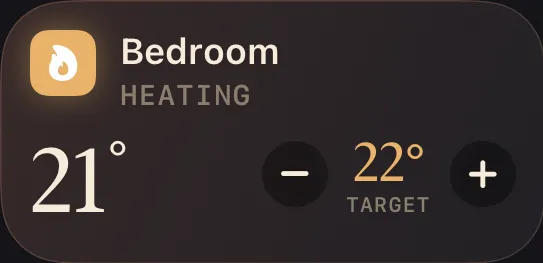
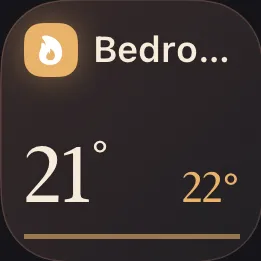
Setpoint, mode, and live temperature
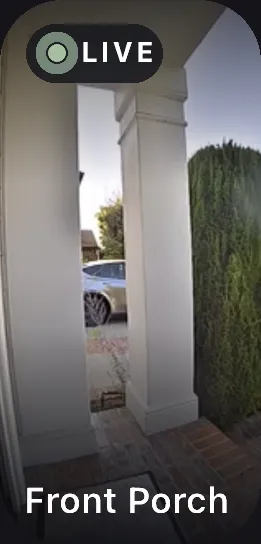
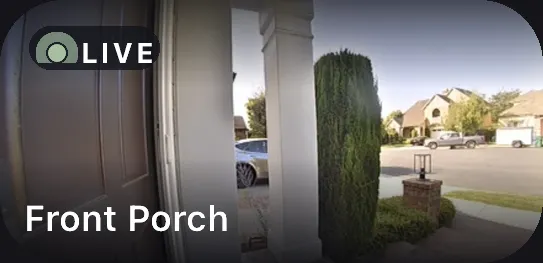
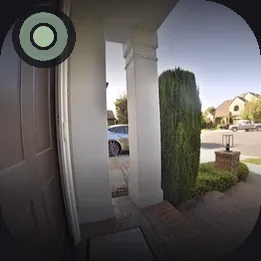
Live snapshot and full stream
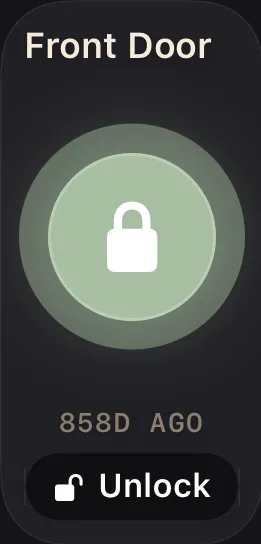
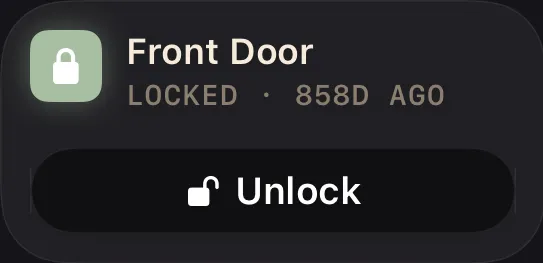
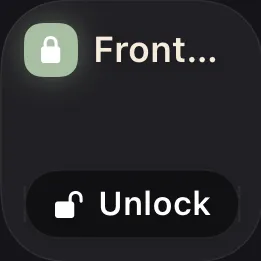
Lock state with Face ID confirm



Transport controls and now-playing
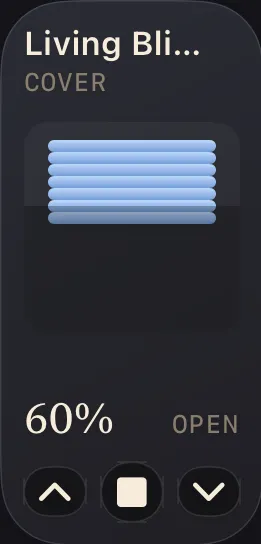
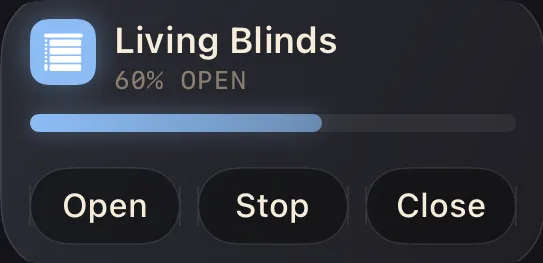
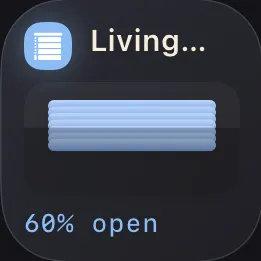
Open, close, and set position
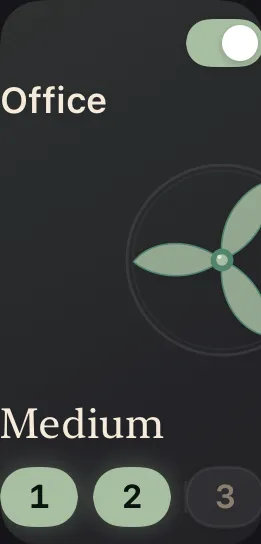
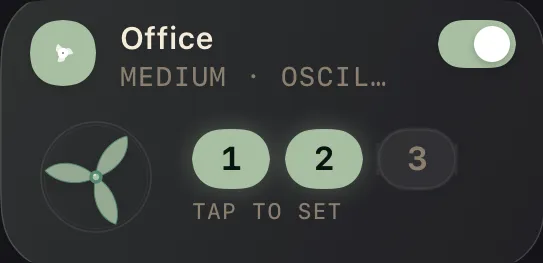
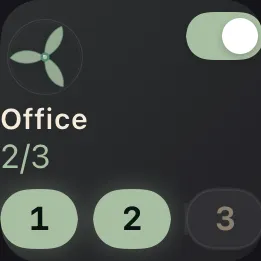
Speed, oscillation, and presets
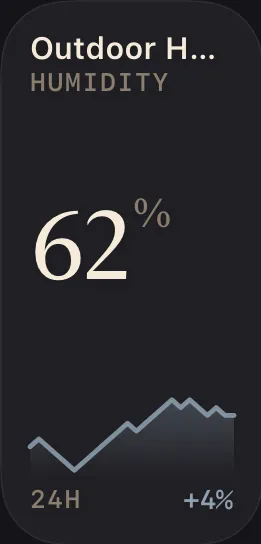
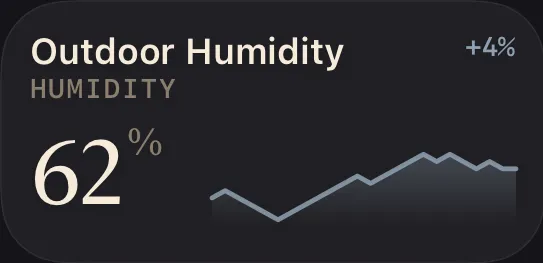
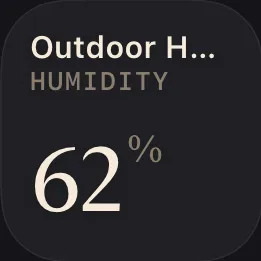
Any reading, at a glance
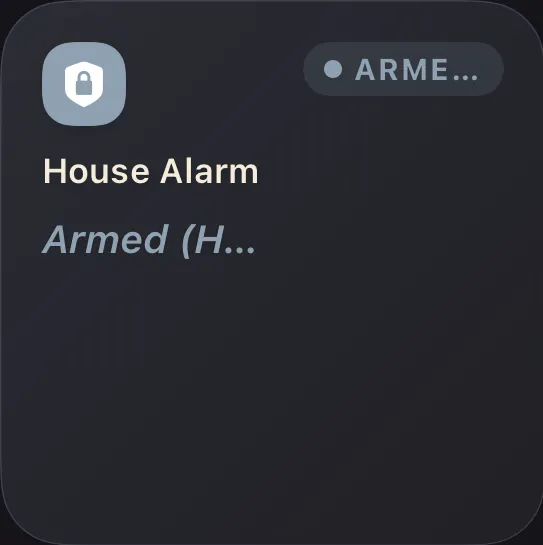
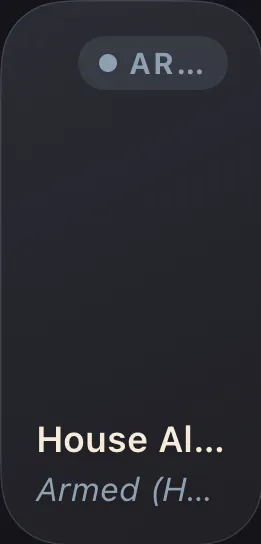
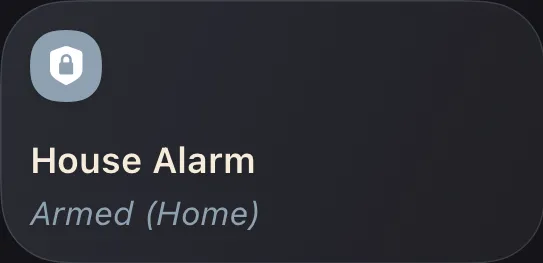
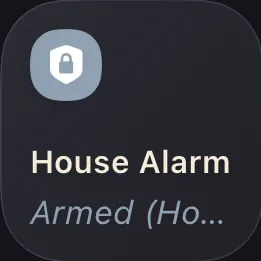
Arm and disarm securely
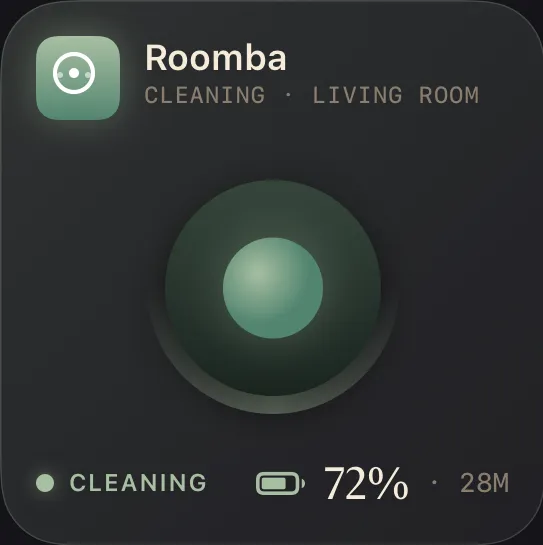
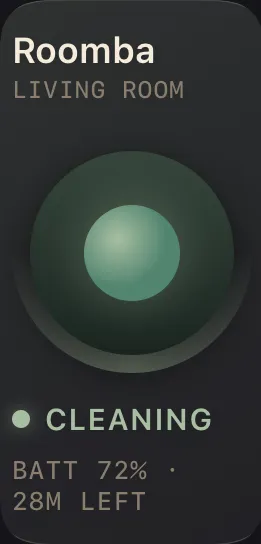
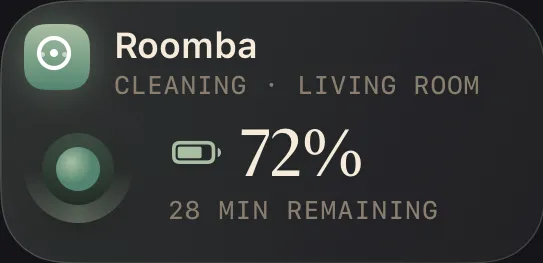
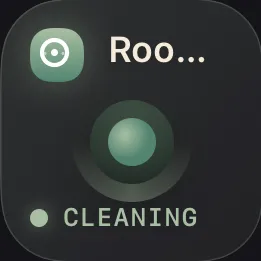
Start, dock, and status
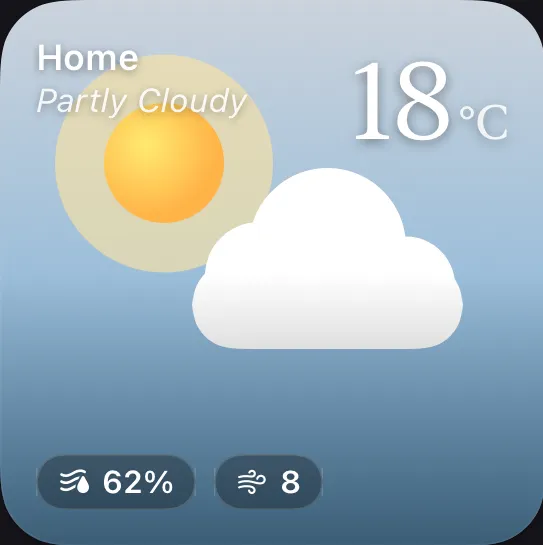
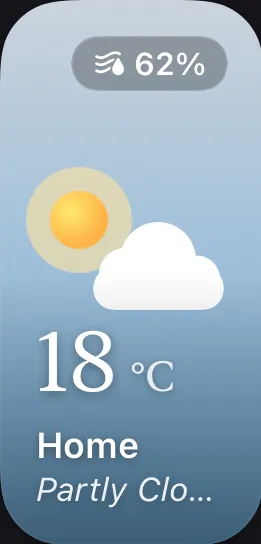
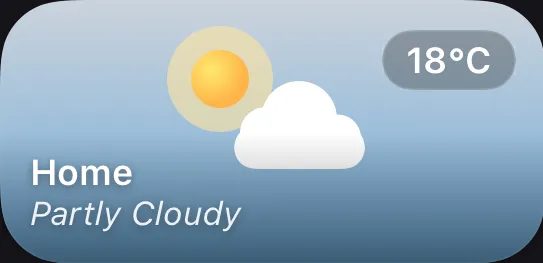
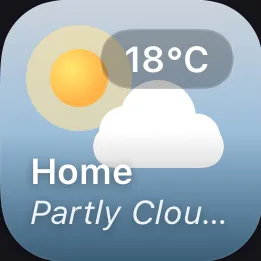
Forecast and conditions
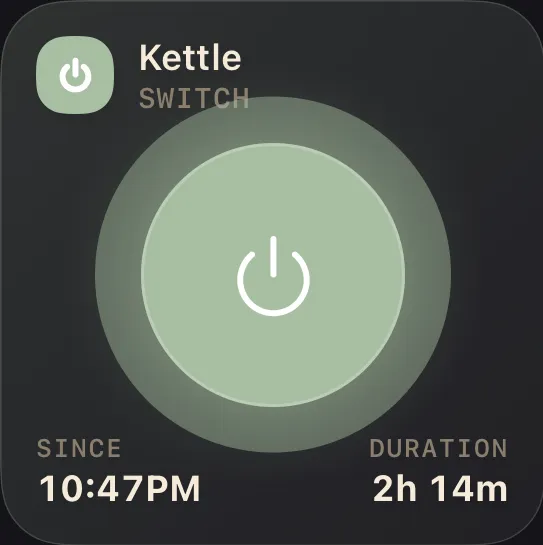
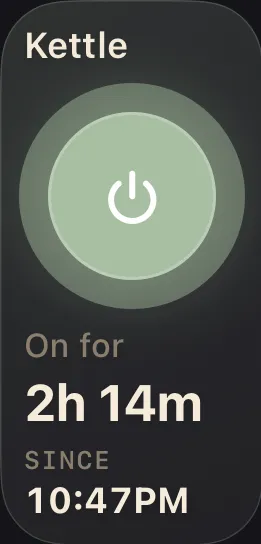
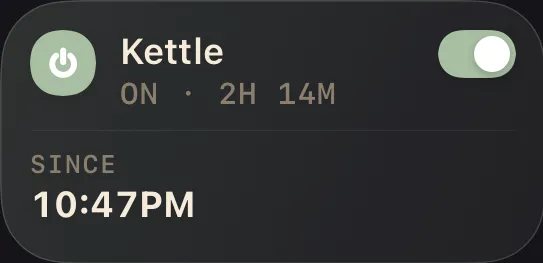
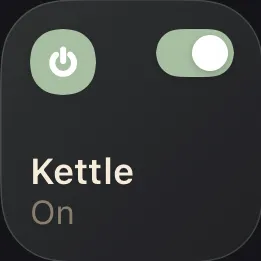
Simple on / off control
Tap Try Demo Mode and explore Halo with sample data — connect your real home whenever you're ready.